01 / CHOOSE THE JOB
Start with a moment that matters.
Choose a task you have done: preparing a workshop, checking a podcast episode or packaging a download. Name who is doing it and what they need to finish.
For example: “Help a first-time workshop organizer catch missing preparation before attendees arrive.” List the checks you actually use. Include the details that make your experience useful.
02 / USE AI TO SHARPEN IT
Give the assistant something concrete.
Supply your buyer, your notes and the result. Ask for action steps and a visible completion check for each. A prompt with a defined task, context, example and output format is easier to review than “make me a product.”
A SMALL PROMPT YOU CAN ADAPT
Turn my notes into a six-step checklist for [buyer] to finish [task].

Use my notes as the source. Flag gaps instead of inventing expertise.
For each step, return: action, brief instruction, completion check.

Example of specificity:
Action: Check the agenda.
Instruction: Add the minutes for every activity, including breaks.
Completion check: The total fits the booked session.

Review the draft for vague steps and missing dependencies.
Return the checklist and any questions I need to resolve.

My notes: [paste your own process here]
That uses clear instructions, separated context and an example—techniques described in OpenAI’s prompting guide. Check the draft against your experience, correct errors and have an intended user try it.
03 / MAKE THE DOWNLOAD
Package the result, not just the text.
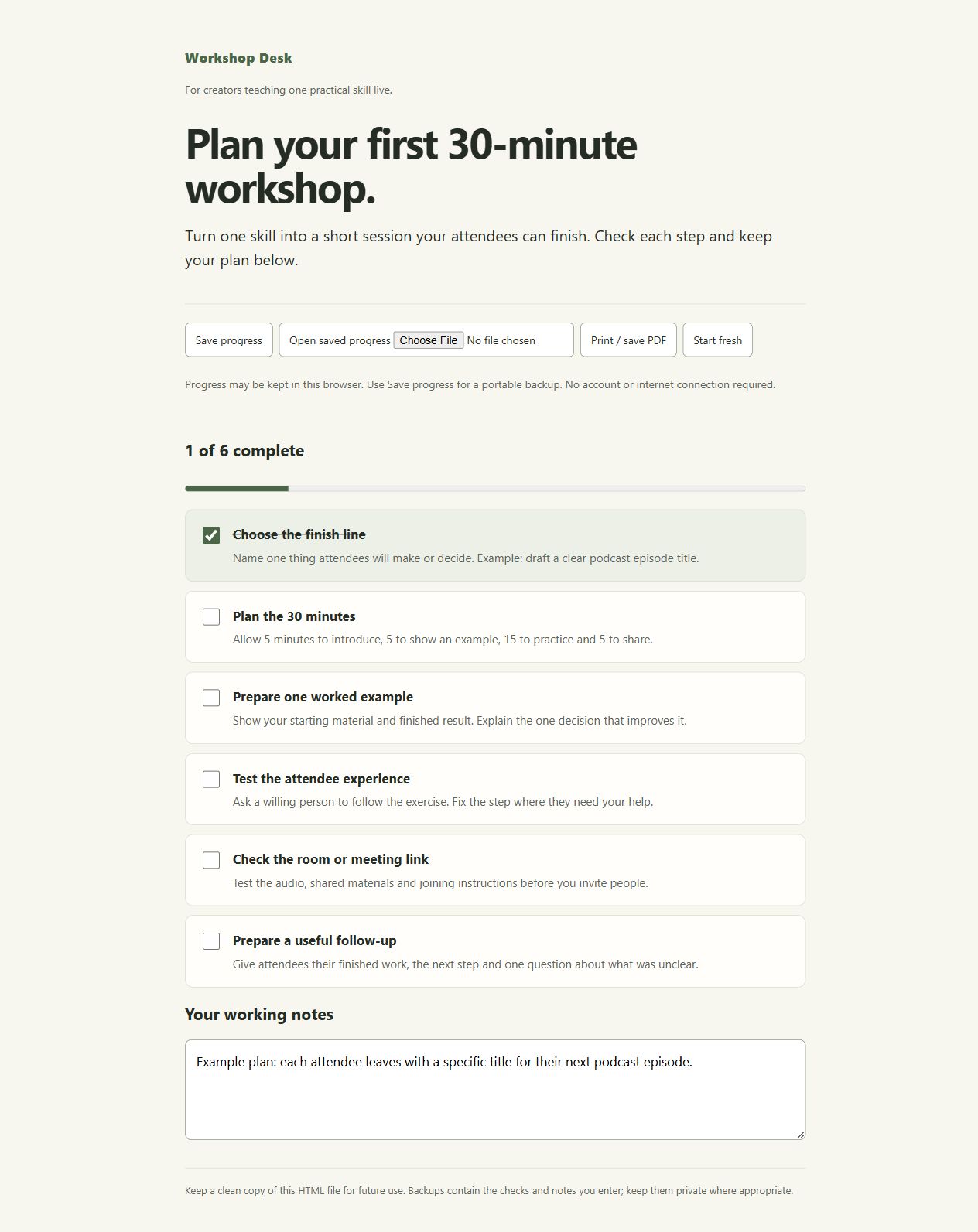
Put the refined steps into a format your buyer can use. In Product Studio, edit the title, instructions and checks, then export a standalone HTML tool. Add a short START-HERE file explaining how to open it, save progress and get help.
Open the export in a fresh folder. Complete a task, save a backup, reopen it and check the print view. Show the actual finished tool on your sales page. If it needs a desktop browser, say so before purchase.
04 / CONNECT THE SALE
One page. One file. A clear next step.
The kit’s starting route uses a hosted Gumroad product page for checkout and delivery. Attach your original download as paid content, describe the buyer’s result, set the price and add support and refund details. Seller eligibility and provider fees apply.
Run the provider’s test purchase and open the files it delivers before sharing the link. Then show the useful result to people who already face that task. Automatic delivery handles the repeat order; you keep improving the offer and reaching buyers.
Use Gumroad’s current product setup, test-purchase and fee instructions.